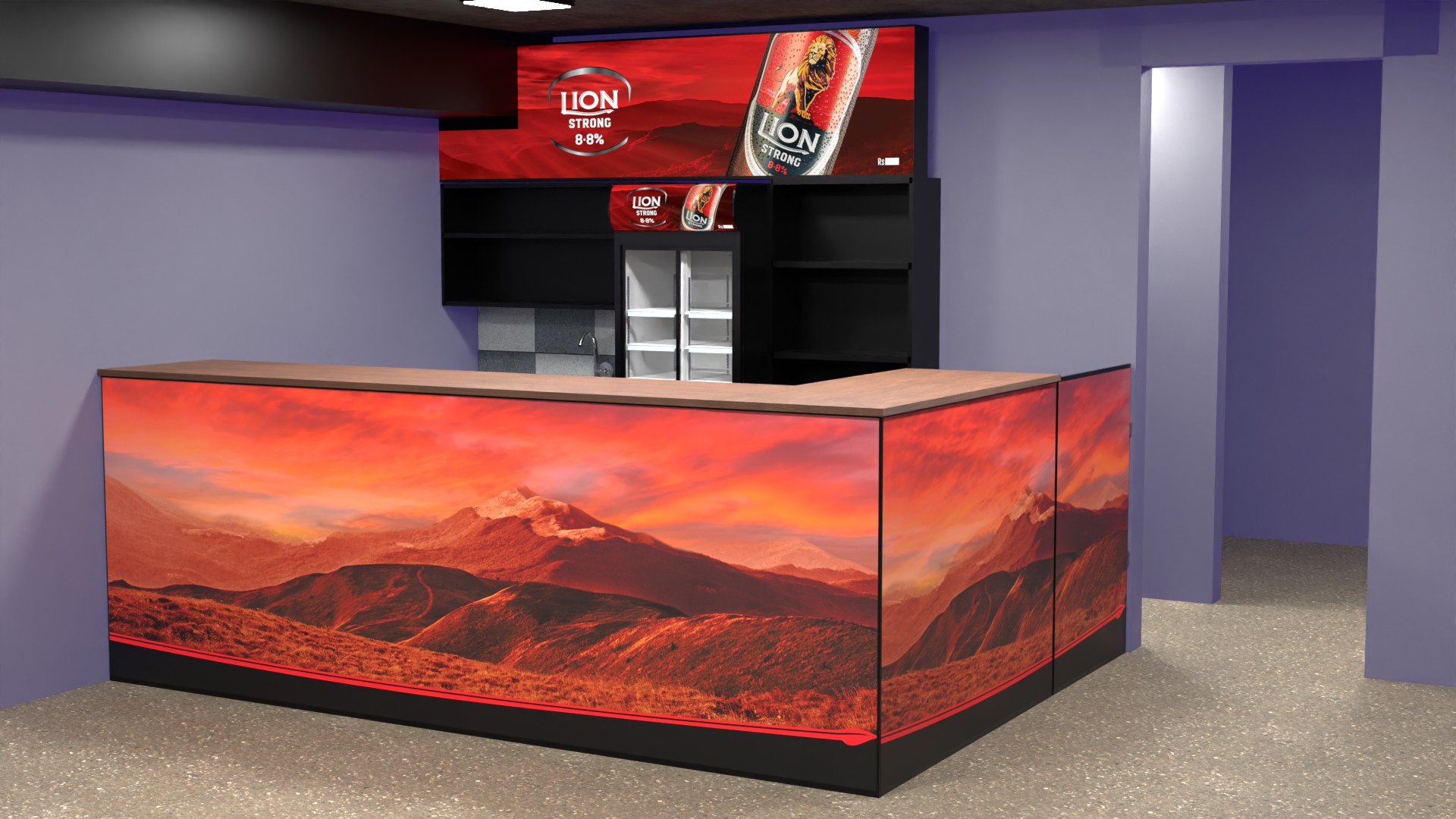
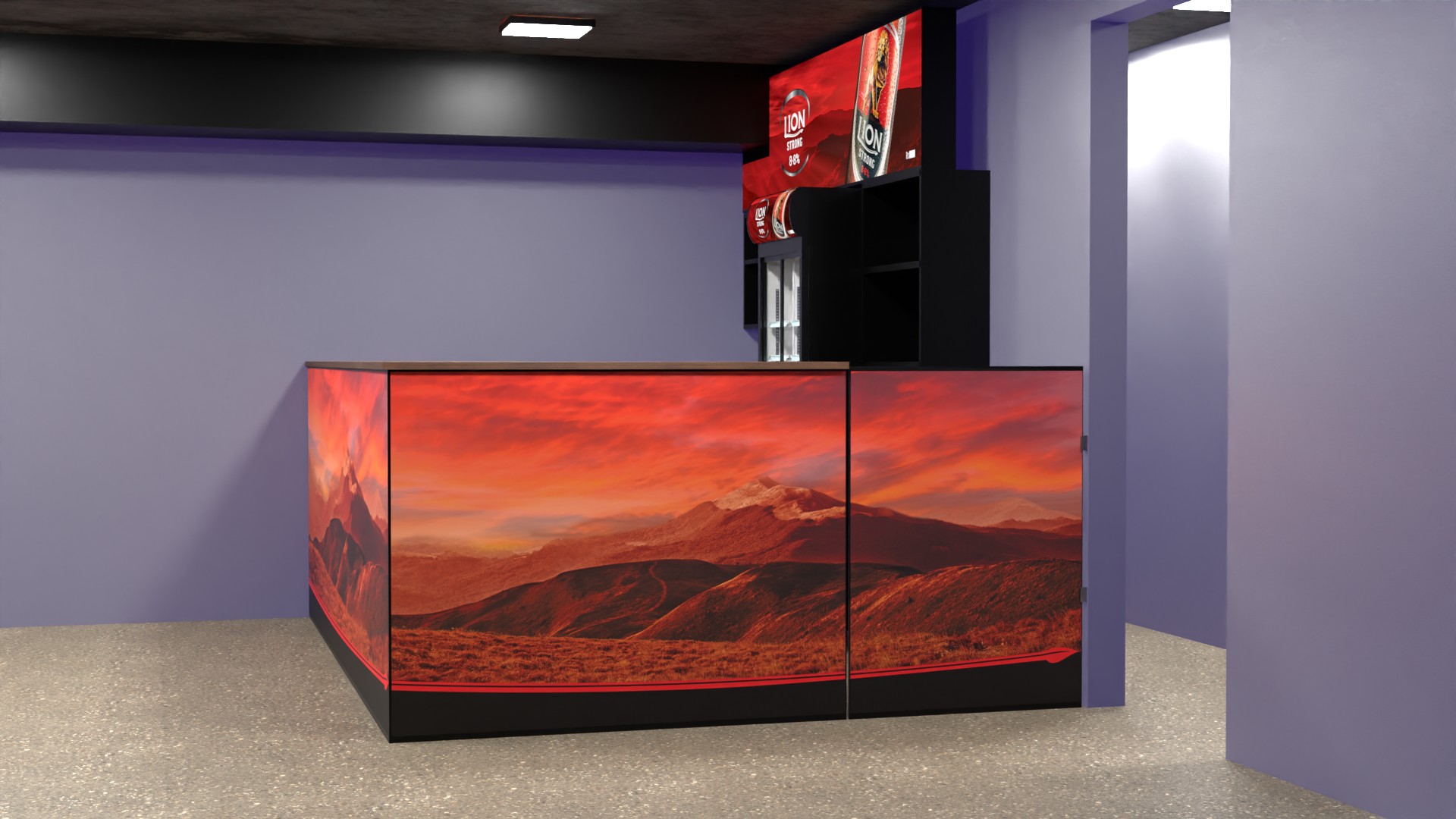
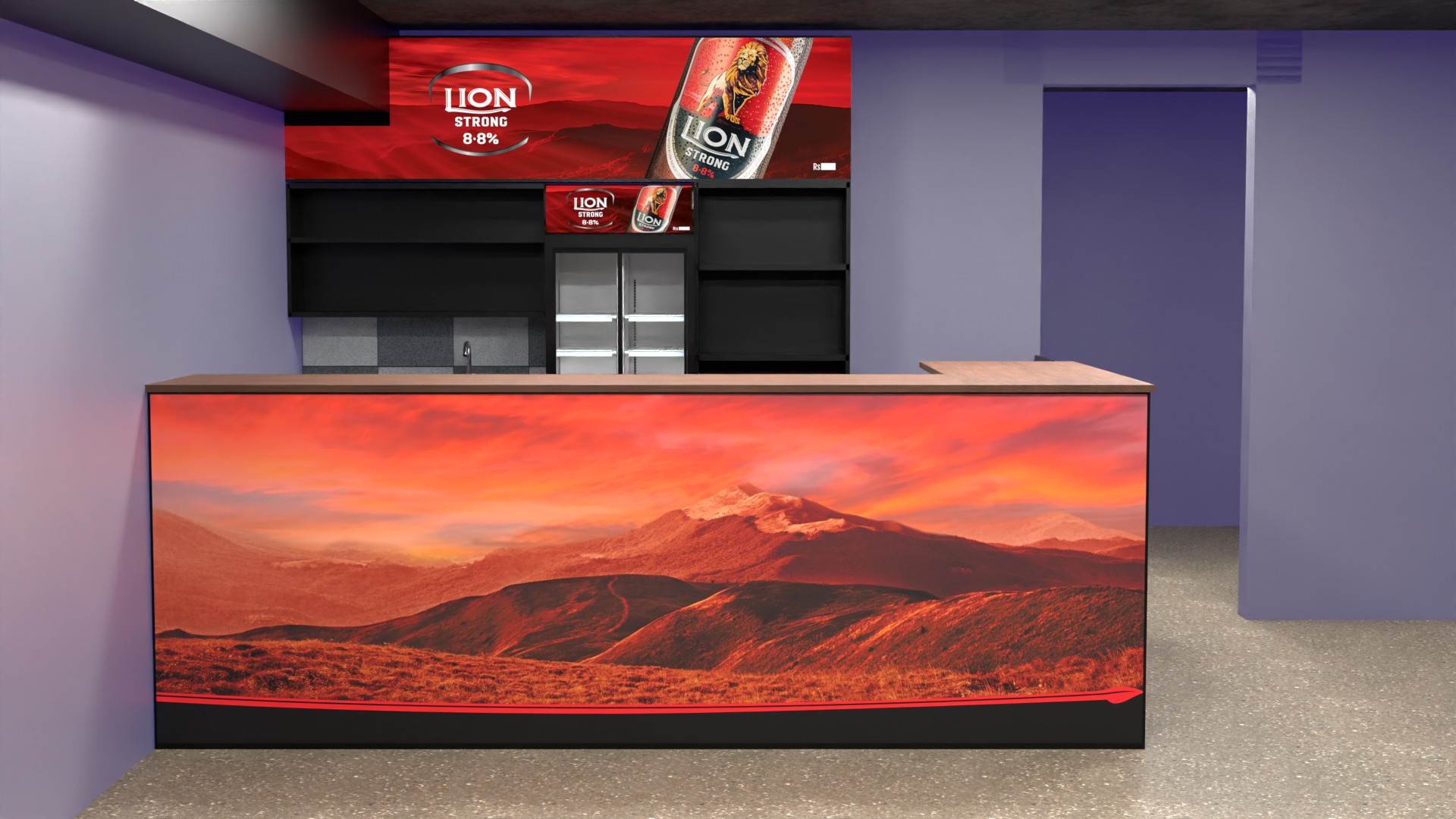
Computer Shop
2026-05
A minimalist "lab" aesthetic featuring integrated cable management, backlit acrylic podiums, and ergonomic testing zones.✅ The custom luxury cursor is now fully restored globally! What actually happened? When building out the massive, complex scroll interactions for your main Portfolio.tsx (Homepage view), the floating white cursor ring was tightly coupled and written directly inside the Portfolio logic. Because of this, when we navigated away from the Homepage into the new Project Detail Page, the portfolio component was legally "unmounted" by Next.js—taking the custom cursor with it! At the same time, the global <body cursor="none"> style remained, rendering your mouse entirely invisible! How I Fixed It: Extracted to Global Scope: I pulled the cursor physics tracking logic built into hooks/useCustomCursor.ts and wrapped it into a pristine standalone component CustomCursor.tsx . Injected into RootLayout: Instead of attaching it to a single page, I surgically injected it directly into app/layout.tsx (specifically RootLayoutInner ). Ghost Cleanup: I deleted the old redundant cursor nodes inside Portfolio.tsx so when you go back to the homepage, it doesn't try drawing two competing cursors simultaneously. The result? The sleek white dot and momentum ring will now flawlessly persist across every single page route on your site (except the Admin Panel where it automatically shuts itself off so it doesn't get in your way securely). Hover around the screen—you are back in business! ✅ The custom luxury cursor is now fully restored globally! What actually happened? When building out the massive, complex scroll interactions for your main Portfolio.tsx (Homepage view), the floating white cursor ring was tightly coupled and written directly inside the Portfolio logic. Because of this, when we navigated away from the Homepage into the new Project Detail Page, the portfolio component was legally "unmounted" by Next.js—taking the custom cursor with it! At the same time, the global <body cursor="none"> style remained, rendering your mouse entirely invisible! How I Fixed It: Extracted to Global Scope: I pulled the cursor physics tracking logic built into hooks/useCustomCursor.ts and wrapped it into a pristine standalone component CustomCursor.tsx . Injected into RootLayout: Instead of attaching it to a single page, I surgically injected it directly into app/layout.tsx (specifically RootLayoutInner ). Ghost Cleanup: I deleted the old redundant cursor nodes inside Portfolio.tsx so when you go back to the homepage, it doesn't try drawing two competing cursors simultaneously. The result? The sleek white dot and momentum ring will now flawlessly persist across every single page route on your site (except the Admin Panel where it automatically shuts itself off so it doesn't get in your way securely). Hover around the screen—you are back in business! ✅ The custom luxury cursor is now fully restored globally! What actually happened? When building out the massive, complex scroll interactions for your main Portfolio.tsx (Homepage view), the floating white cursor ring was tightly coupled and written directly inside the Portfolio logic. Because of this, when we navigated away from the Homepage into the new Project Detail Page, the portfolio component was legally "unmounted" by Next.js—taking the custom cursor with it! At the same time, the global <body cursor="none"> style remained, rendering your mouse entirely invisible! How I Fixed It: Extracted to Global Scope: I pulled the cursor physics tracking logic built into hooks/useCustomCursor.ts and wrapped it into a pristine standalone component CustomCursor.tsx . Injected into RootLayout: Instead of attaching it to a single page, I surgically injected it directly into app/layout.tsx (specifically RootLayoutInner ). Ghost Cleanup: I deleted the old redundant cursor nodes inside Portfolio.tsx so when you go back to the homepage, it doesn't try drawing two competing cursors simultaneously. The result? The sleek white dot and momentum ring will now flawlessly persist across every single page route on your site (except the Admin Panel where it automatically shuts itself off so it doesn't get in your way securely). Hover around the screen—you are back in business!